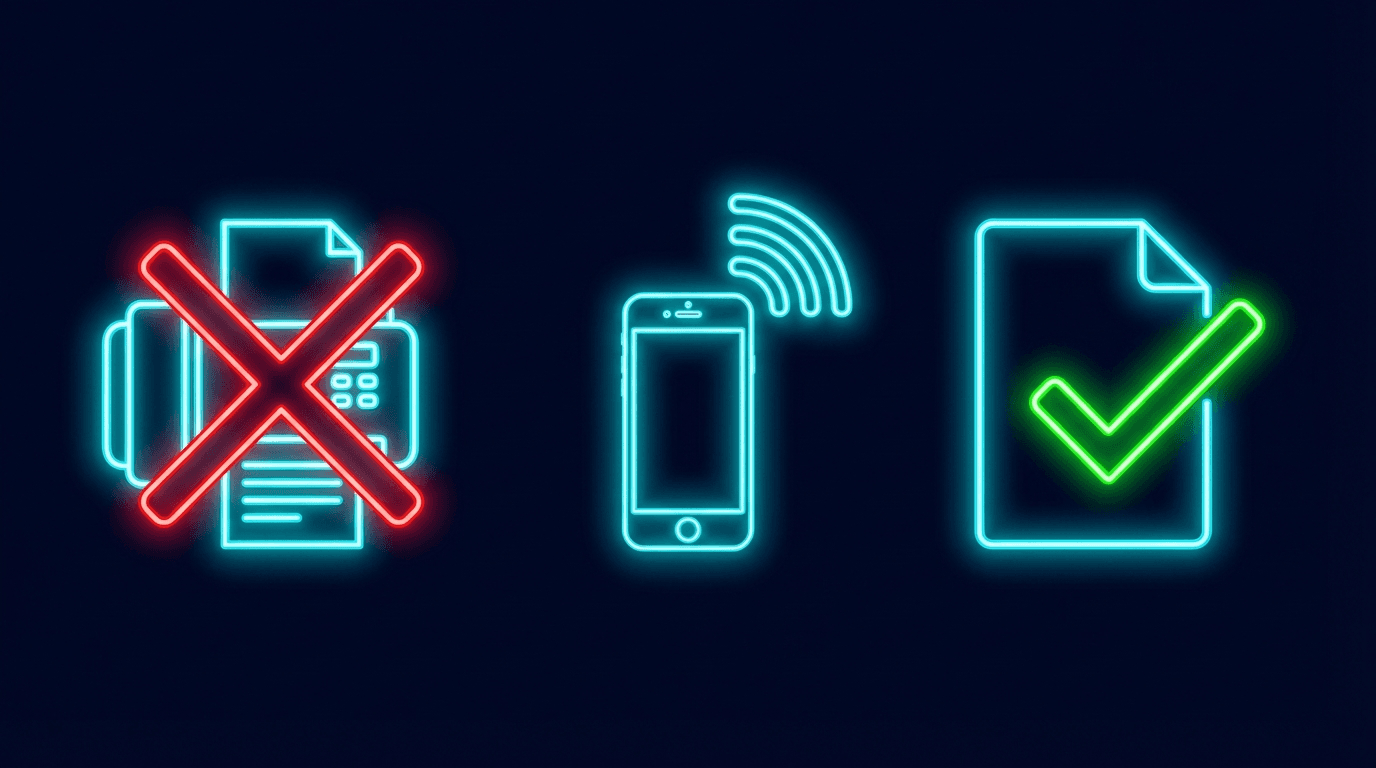
How to Fax from iPhone Without an App
You do not need to download an app to send a fax from your iPhone. Open Safari, go to faxdrop.com, upload your document, enter the fax number, and send. That is the whole process. No App Store, no account, no storage used on your phone.
Why You Do Not Need an App
Most fax apps exist because older fax services were built as desktop software. They needed an app wrapper to reach mobile users. FaxDrop was built as a web-first service. Everything runs in Safari. The document processing happens in your browser. Nothing gets installed.
App-based fax services require an App Store download. Their account, trial, and subscription terms vary. FaxDrop skips the download. Your first two faxes per month are free with no card and no account.
If you searched for "fax from iPhone no app" or "fax from iPhone free no download," you are in exactly the right place.
Step-by-Step: Fax from iPhone in Safari
- 1
Open Safari on your iPhone
Any browser works (Chrome, Firefox), but Safari is already installed and requires no setup.
- 2
Go to faxdrop.com
Type faxdrop.com in the address bar. The site is optimized for mobile and loads in seconds.
- 3
Upload your document
Tap the upload area. Select a file from your Photos, Files app, iCloud Drive, Google Drive, or any other app. You can also snap a photo of a paper document with your camera. FaxDrop accepts PDF, JPG, and PNG. Export Word documents as PDF first.
- 4
Enter the fax number
Type the recipient's fax number with area code. For 50 US states and Canada destinations, include the area code. FaxDrop formats it automatically.
- 5
Tap Send
FaxDrop converts your document, dials the fax number, and transmits the pages. Check the status page for the current supported outcome.
Pro tip: Add FaxDrop to your Home Screen
FaxDrop works as a PWA. You can add it to your iPhone home screen and launch it like a native app, with zero storage required:
- Open faxdrop.com in Safari.
- Tap the Share button (square with an arrow pointing up).
- Scroll down and tap "Add to Home Screen."
- Tap Add.
FaxDrop now opens directly from your home screen. No App Store, no updates to manage, no storage consumed.
FaxDrop vs. iPhone Fax Apps
Here are the durable criteria to compare before choosing an iPhone fax option:
| Feature | FaxDrop (Browser) | App-based service | Other browser service |
|---|---|---|---|
| App download | None | Required | Check current terms |
| Account required | No (free faxes) | Check current terms | Check current terms |
| Free faxes | 2/month, up to 5 pages including cover | Check current terms | Check current terms |
| Ads on fax | Never | Check current terms | Check current terms |
| Status visibility | Status page | Check current terms | Check current terms |
| Monthly subscription | Not required | Check current terms | Check current terms |
Provider pricing and plan features change. Verify the current provider page before choosing. FaxDrop publishes its current options on the pricing page.
When You Need to Fax from Your iPhone Right Now
Doctor's office wants a signed form. Snap a photo, upload it to FaxDrop, fax it from the parking lot. Therapists and mental health providers also accept patient forms by fax.
Real estate deadline. Your agent needs a signed disclosure faxed to the title company before close of business. Real estate professionals fax time-sensitive documents from the road every day.
IRS or Social Security paperwork. The IRS accepts fax for several forms, and SSA offices take faxed applications and supporting documents.
Insurance claim. Insurance companies accept proof of loss and prior authorization requests by fax. The transmission record can help document the send. Confirm what the insurer accepts as deadline evidence.
Any time a subscription does not make sense. If you fax two or three times a year, compare one-time options with recurring plans. FaxDrop lets you pay $1.99 for one fax and move on.
Is It Secure to Fax Sensitive Documents from Your iPhone?
FaxDrop is built for healthcare fax workflows. The fax carrier has a signed BAA. Read the healthcare faxing guide and request current documentation before sending protected health information.
Broader vendor BAA coverage and end-to-end retention verification remain under review. The recipient receives a standard fax and does not need a special app.
You can fax medical records, legal documents, tax forms, and financial paperwork.
What Does It Cost?
| Option | Price | Per fax |
|---|---|---|
| Free tier | $0 | 2 faxes/month, up to 5 pages including cover |
| Single fax | $1.99 | Up to 10 uploaded pages; purchased credit does not expire |
| 10-pack | $9.99 | $1.00 per credit |
| 25-pack | $19.99 | $0.80 per fax |
Purchased credits do not expire. No subscription required. If you fax regularly, subscription plans start at $9.99/month for 50 included credits. The one-time options remain available.
Related Guides
- Full guide: How to fax from your iPhone in 2026 (device walkthrough with file type details)
- healthcare faxing guide (requirements and current FaxDrop limitations)
- How to fax from Android (same no-app approach for Android devices)
- Free fax overview (how FaxDrop compares to other free fax options)
Your iPhone already does this.
Open Safari. Go to faxdrop.com. Upload your document. Send your fax. No app download or subscription required. Two free faxes per month, up to 5 pages including cover.
Send a Fax FreeNo app. No fax machine. No monthly fee.